 GTARGET
CAD automation · Engineering productivity
MecAgent AI CAD assistant
Use natural-language instructions to assist with supported modeling, drawing and repetitive tasks in SolidWorks and Autodesk Inventor.
Book a MecAgent demo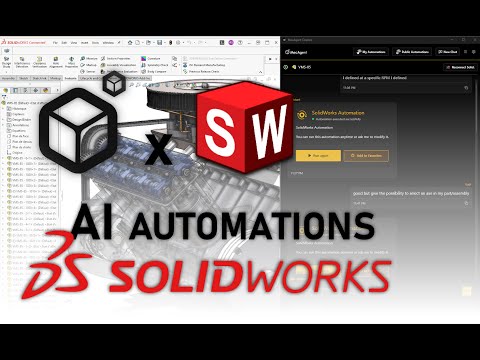
Choose the task to automate
Use the assistant for supported CAD edits, engineering drawings and repeatable workflows. Review the resulting geometry, dimensions and drawing conventions before release.
Supported CAD platforms
The V2.16.1 materials cover SolidWorks and Autodesk Inventor 2024–2026 on 64-bit Windows 10 or 11, with internet access and a MecAgent account required. Check vendor documentation for other versions or platforms.
November 2026: Autodesk Inventor support
V2.15 introduced native Inventor support. The November update also covered workflow changes and fixes documented in the vendor release history.
Download and install
Start at the official download page and confirm your CAD version. Sign in with your MecAgent account and test with a non-production file first.
Example workflow
Watch a demonstration to see how requests are entered and how changes are reviewed in CAD.
Review your deployment requirements
Before using the assistant with proprietary drawings, review vendor documentation and confirm data handling, deployment settings and access policies with your organization.
Team rollout and enterprise evaluation
Start with tasks your engineering team repeats, define a review process and compare results during a pilot. Contact Gtarget about evaluating deployment and training options.
Connect CAD automation to manufacturing
Review how assisted drafting or modeling fits into your workflow before using the resulting data for CAM programming or process simulation.