 GTARGET
Roll forging · Die design
VeraCAD roll forging die design
Plan reducer rolling passes, distribute material along a preform and build roll die geometry for downstream forging.
Request a VeraCAD demo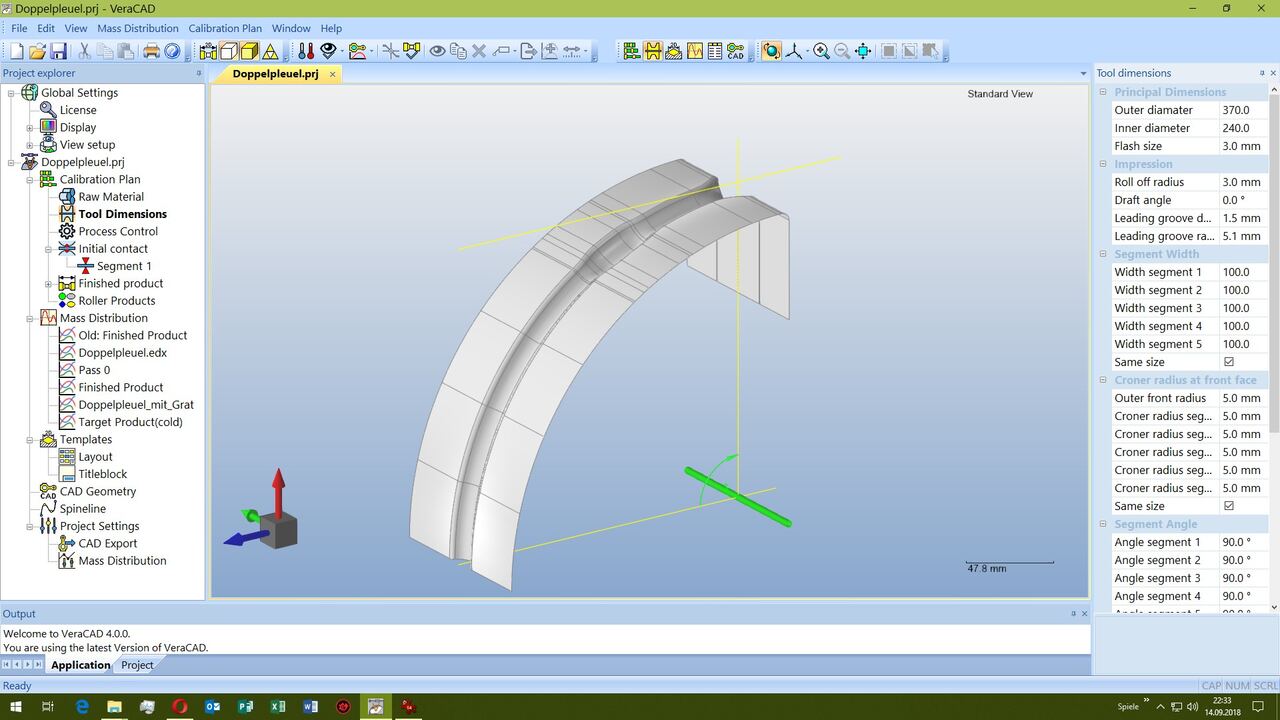
Design the preform and each pass
Start with the required part geometry. Define cross sections and mass distribution along the length, then select groove shapes and calculate the pass sequence.
From groove layout to tool geometry
Review section geometry at each reduction, compare candidate pass schedules and create 3D groove or die geometry for further engineering and machining.
Control material use
A roll-forged preform puts more of the billet where the finished part needs it. Assess billet weight, flash and material utilization for your part rather than assuming a fixed savings percentage.
The VeraCAD software family
VeraMass addresses material distribution; RollCAD covers roll forging groove and tool design. Consult Gtarget on the appropriate modules and geometry workflow for your parts.
Validate the design in QForm
Use the proposed roll forging geometry as the starting point for numerical checks of flow, filling and potential defects before committing to tooling.
Roll forging demonstrations
See how groove and cross-section geometry can be prepared for a roll forging process.
Talk to Gtarget
Tell us what you’re working on and what you’d like to evaluate.
Request a VeraCAD demo